
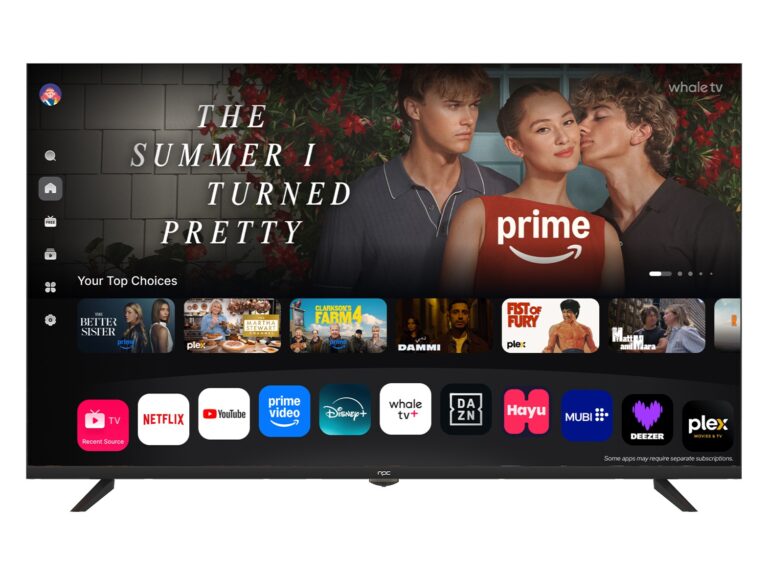
A comparative prelude
The choice of a screen is a small rite: one decides how light will tell a story in the room. Here, a plain question divides the field — do you prize cinematic contrast, pixel-true color, or rapid, lagless response? The answer steers you toward television makers or a specialist monitor manufacturer whose panel and processing will govern every nuance. Keep that distinction foremost; it clarifies every subsequent comparison.
What matters and why — the axes of comparison
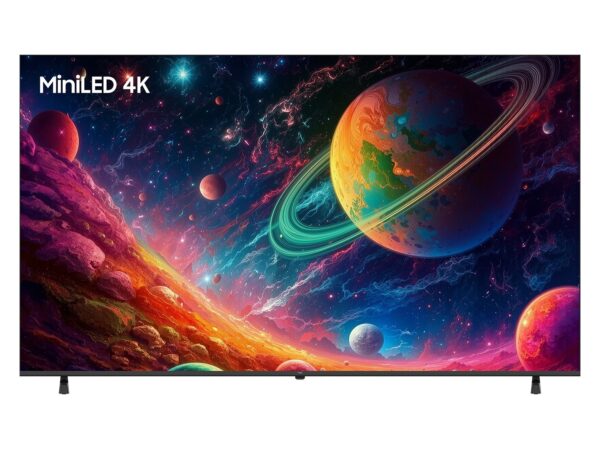
Begin with the panel. OLED yields perfect blacks and wide viewing angles; mini‑LED and QLED variants push brightness andHDR without the burn risk. IPS panels offer faithful color and speed for creators and gamers, while VA panels favor contrast for dark-room viewing. Match panel type to purpose. Resolution and screen size follow: 27–32 inches with 1440p often best for desktops; 4K favors larger displays where detail can be perceived. Refresh rate and input lag matter when you play or move the pointer swiftly; high refresh rates aid smooth motion, low lag preserves intent.
Processing, ports, and platform — the functional differences
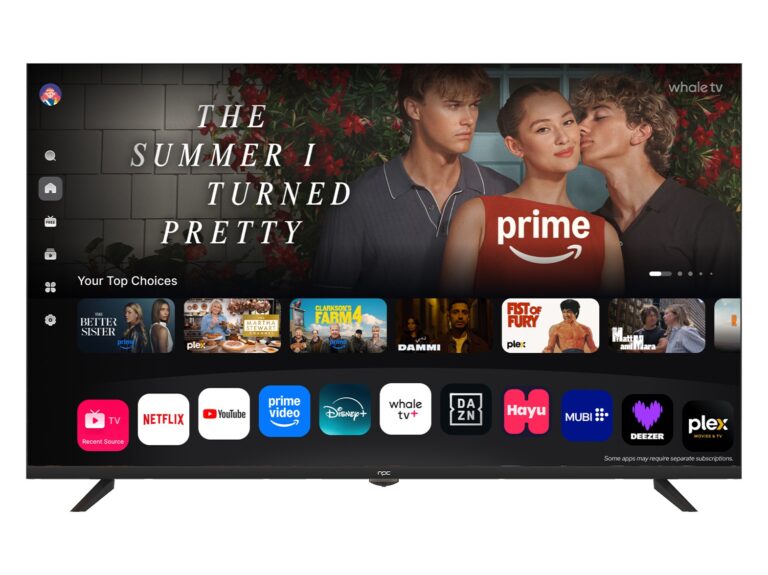
Processors determine how a device upscales a low-resolution source, how it handles motion smoothing, and how faithfully it renders color under HDR. Smart-TV platforms affect apps and updates; monitors substitute app ecosystems for color profiles and calibration tools. Note port versions: HDMI 2.1 or DisplayPort 1.4+ can be decisive for consoles and high‑refresh 4K. Storage, remote ergonomics, and speaker quality are not abstract luxuries — they alter daily use. Choose what you will live with, not what sounds most impressive on a spec sheet.
Brands in side-by-side light
Having advised retailers and logged hours with panels, I weigh makers by what they prioritize. At CES in Las Vegas, the best pc monitor manufacturers often demonstrate how niche demands are met: some emphasize color accuracy for creators, others push refresh rates for competitive gamers, and a few chase peak brightness for HDR. Samsung tends toward brightness and contrast innovations; LG refines OLED character and subtle color; Sony masters processing for film fidelity. TCL and Hisense present value with surprising feature sets. For monitors, Dell and ASUS aim at calibrated accuracy and professional workflows; Acer and BenQ include gaming variants with low-lag and adaptive sync. Compare real measured numbers — contrast, deltaE, input lag — not only marketing claims. That practice separates promising offerings from mere marketing poetry.
Common mistakes buyers make
People choose too large a screen for close desks, expecting more pixels to solve legibility; instead, they create eye strain. Others buy high-refresh displays yet neglect cables or GPU capability, so the panel never reaches its potential. Trusting brand alone is risky: models differ within the same family. Ignoring calibration is frequent; an uncalibrated display can lie about color and tone. Finally, dismissing ecosystem limits your future: firmware updates and driver support matter as much as initial specs.
How to choose, step by step
Decide function first: gaming, creation, or shared viewing. Measure viewing distance and match size and resolution. Request measured specs or independent reviews for contrast, color accuracy, and input lag. Check ports and firmware policy. If color fidelity matters, look for factory calibration or support for ICC profiles. For mixed use, prefer versatile panels and balanced processing rather than extreme marketing claims.
A final, comparative summation
The best choice is an honest match between need and specification: a quiet panel for a writer, a fast panel for a player, a bright wide-gamut panel for a colorist. The comparisons above are instruments; use them to judge, not to be swayed. Practical procurement often ends with a supplier who can translate those judgments into a tangible product — a subtle commerce that finds clarity at npc.