
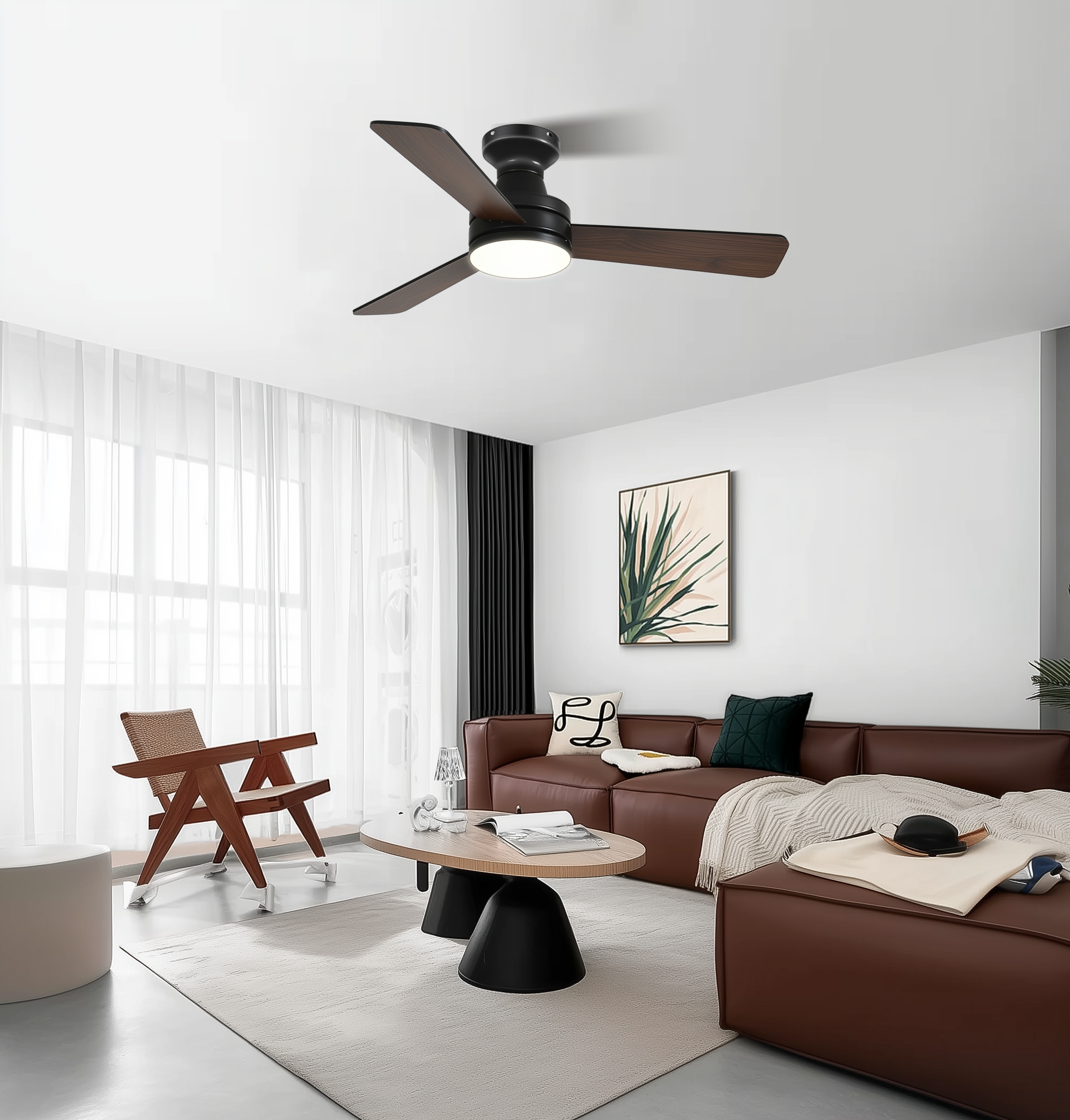
When vintage charm meets modern expectations
There’s a quiet friction that happens when an elegant, aged fixture—its blades worn smooth by decades of summers—meets the bright promise of voice commands and schedules. The problem is simple: most classic fans and lights weren’t designed for Zigbee or Z-Wave hubs, nor for Wi‑Fi timers. If you want to preserve the look while adding intelligence, the path forward often starts with either retrofitting the fan or choosing a compatible large ceiling fan with light that tolerates smart control. The challenge is technical (wiring, switch types) and aesthetic (keeping the retro profile intact)—and it’s worth solving, because comfort and elegance shouldn’t be mutually exclusive.

Diagnose the problem first: what to check
Before you buy anything, pause and inspect. Is the fan controlled by a single wall switch, two switches (one for fan, one for light), or only by pull chains? Does the switch box contain a neutral wire? Many older homes lack a neutral at the switch—this matters for modern smart switches. Also confirm whether the light uses a standard bulb base or has an integrated LED module. These quick checks clarify which retrofit options are viable and which will force a replacement instead of a retrofit.
Paths to integration: practical solutions
There are three reliable approaches: smart switches, in‑fixture controllers, and bridge devices. Smart switches sit in the wall and replace your conventional paddle; they’re tidy and preserve the fixture. In‑fixture controllers mount in the fan canopy and handle fan speed and light separately—handy when you want independent automation. Bridge devices translate between proprietary RF remotes and your home hub, letting you keep the original in‑fixture hardware while gaining hub control. Each path has trade-offs in complexity, aesthetics, and cost.
Wiring realities and installation notes
Wiring is where most projects stall. If your switch box lacks a neutral, choose a no‑neutral smart switch or install an in‑fixture controller instead. Separate fan and light control requires separate switched hot leads—if the fan and light share a single hot, independent control will be harder and may need rewiring at the ceiling. When installing an in‑canopy controller, leave room for the device and secure all connections; loose neutrals or poor ground connections are common culprits for noise and flicker. If you’re uncomfortable with line voltage work, call a licensed electrician—safety first.
Compatibility with hubs and ecosystem choices
Match the protocol to your hub: Zigbee and Z‑Wave offer local control and reliability; Wi‑Fi devices often depend on cloud services. If you already run a Home Assistant, SmartThings, or Hubitat setup, choose devices known to integrate cleanly. Beware of vendor lock-in from cloud‑only bridges—those are convenient, but they can fall silent if the service changes its policies. For long‑term reliability, prefer local control and open standards where possible.
Common mistakes to avoid
People make the same missteps: assuming the decorative canopy hides a standard wiring layout, underestimating the space required for an in‑fixture controller, and buying a dimmer incompatible with motor loads. Don’t use a lamp triac dimmer on a fan motor—motors need proper motor-rated speed controls or a controller designed for fans. Also, remember that integrated LED light modules sometimes require specific dimming profiles; mismatched controllers cause flicker. A little planning—measuring canopy depth, identifying wire colors, and checking bulb modules—prevents costly backtracks.
Alternatives: when replacement is the smarter move
Sometimes retrofitting fights the fixture more than it helps. If the fan has a nonstandard motor, a sealed LED module, or the canopy is impossibly shallow, replacing with a modern retro ceiling fan with light that’s designed for smart integration might be less headache and more future‑proof. A thoughtfully chosen replacement can replicate the vintage look while offering built‑in compatibility with smart switches or direct integration with your preferred hub.
Real-world anchor: a small retrofit, a clear lesson
From an experience-led (EEAT: Experience) standpoint—I once retrofitted a 1920s bungalow in Portland where every fixture was a study in frugality. The homeowner wanted schedules and voice control but refused to lose the original shades. We traced wiring, found no neutral at the switch, and installed an in‑canopy controller that handled fan PWM speed and a compatible dimmer for the light. The result: preserved aesthetics, reliable local control, and zero cloud dependencies. The effort paid off in daily comfort and fewer service calls—proof that the right approach balances craft and electronics.

Common mistakes recap—and a short aside
To summarize without repeating: check for neutral wires, verify independent switched hots for separate control, and don’t mix dimmers meant for lighting with fan motor control. One small aside—don’t forget the remote. Many classic fans have IR or RF remotes; integrating those requires bridges or replacing the receiver, and installers often overlook that extra step.
Three golden rules (Advisory)
1) Verify wiring first: confirm neutral presence and separate switched hot leads before buying any device. This saves rework and keeps budgets sane. 2) Prioritize local control and standards: choose Zigbee/Z‑Wave or devices with local APIs to avoid cloud dependency and ensure responsiveness. 3) Match control type to the load: motor‑rated controllers for fan speeds; LED‑specific dimmers for integrated lights—mismatches cause noise, flicker, and short life.
These three metrics—wiring compatibility, protocol locality, and load‑appropriate control—are your decision anchors. They point to solutions that respect both the retro aesthetic and modern smart-home expectations. And when a balanced, elegant integration becomes the aim, you’ll see why a well-chosen, well-installed option from a specialist source often ends up being the clearest path to lasting value, as offered by Orison. —